



Chances are you are an entrepreneur or a small business owner and you do everything on your own.
Let me explain—
You do not need 5 different apps and subscriptions to manage and grow your business — myCOO is the one tool you need for all your business operations.
Creating invoices, quotations, reports, flyers, marketing, image generation, content ideas, administration, productivity, reminders, notes, and brainstorming.
myCOO can do it all on your favourite chat app.
myCOO is your chief operating officer, personal assistant, and your designer.
A friend who wants to see you succeed.
Connect your productivity tools like mail and automate your mail drafts and responses.
Now, ask any entrepreneur, “What do you actually want to do?”
The answer is always the same…
Build. Grow. Win.
That's why MyCOO exists.
To take operations off your plate — so you can focus on building.
MyCOO ▶
Yes, as entrepreneurs we believe we have to do everything on our own.
The truth is every successful business has a chief operating officer to manage systems and grow.
Imagine: myCOO is your Chief Operating Officer that never clocks out.
With an AI business intelligence system inside your chat app, you can do it all.
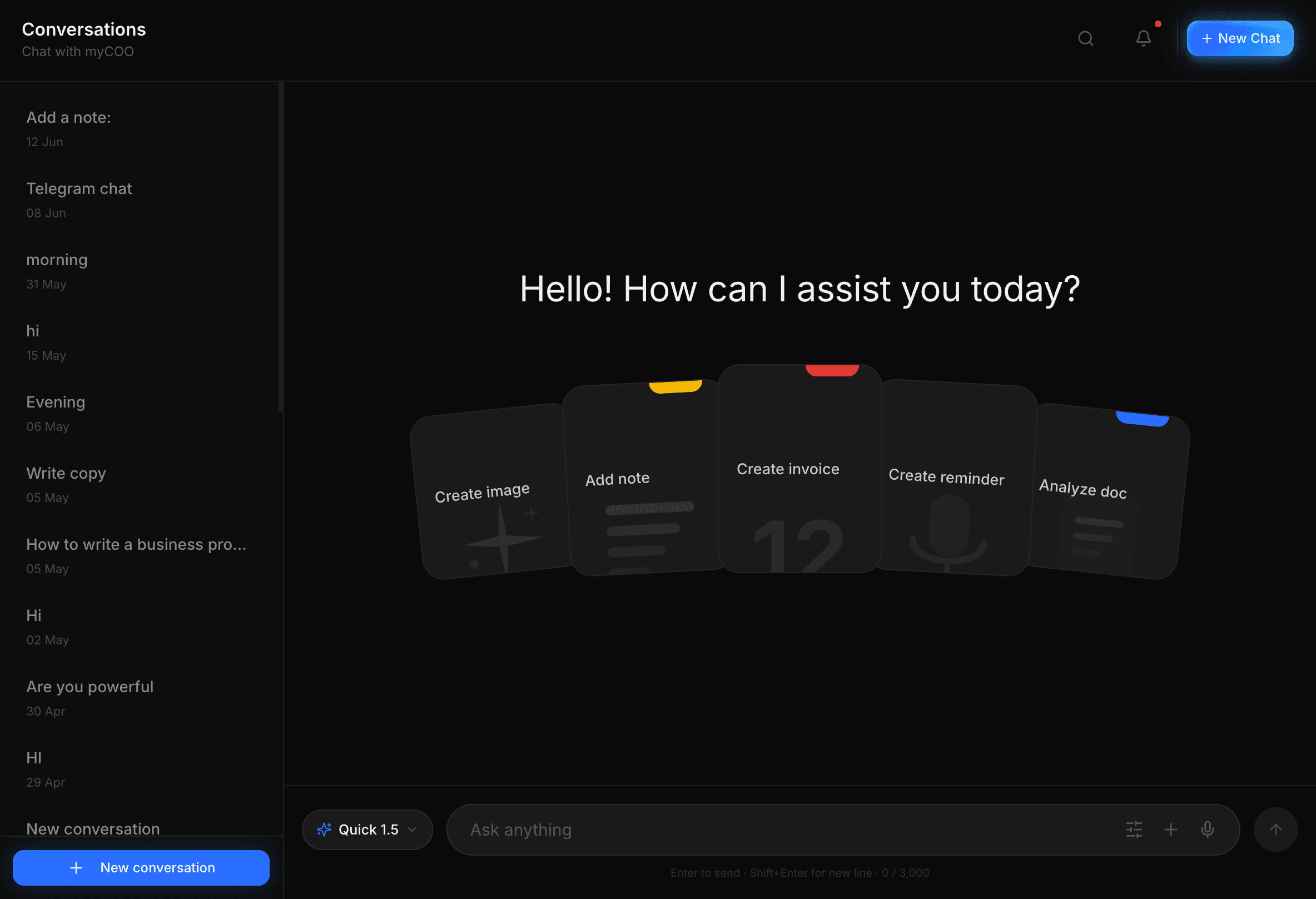
Imagine creating an invoice with just a voice note on WhatsApp or Telegram — in seconds.
Create an account, subscribe for just R99/month, and tell MyCOO about your business. That's all.
MyCOO ▶
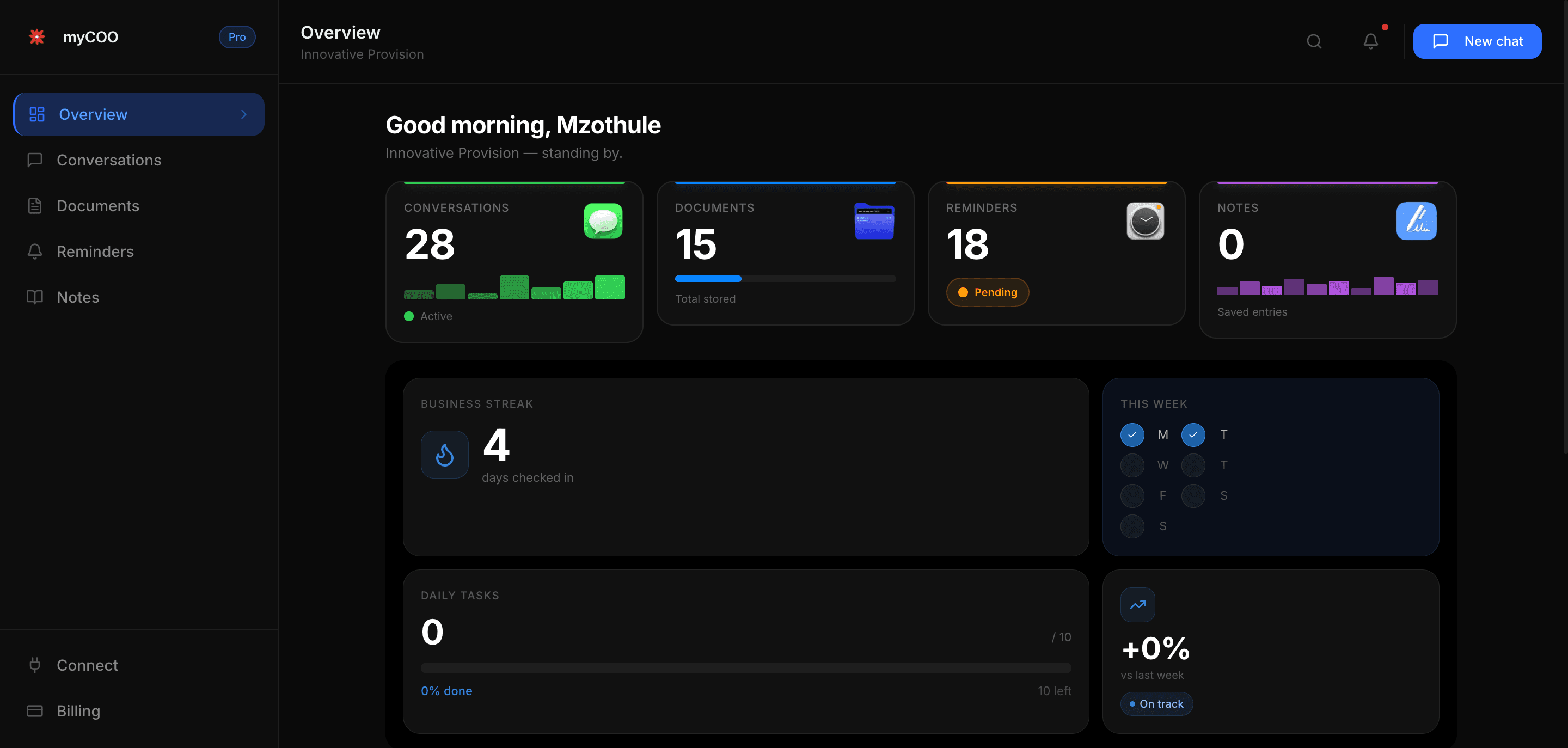
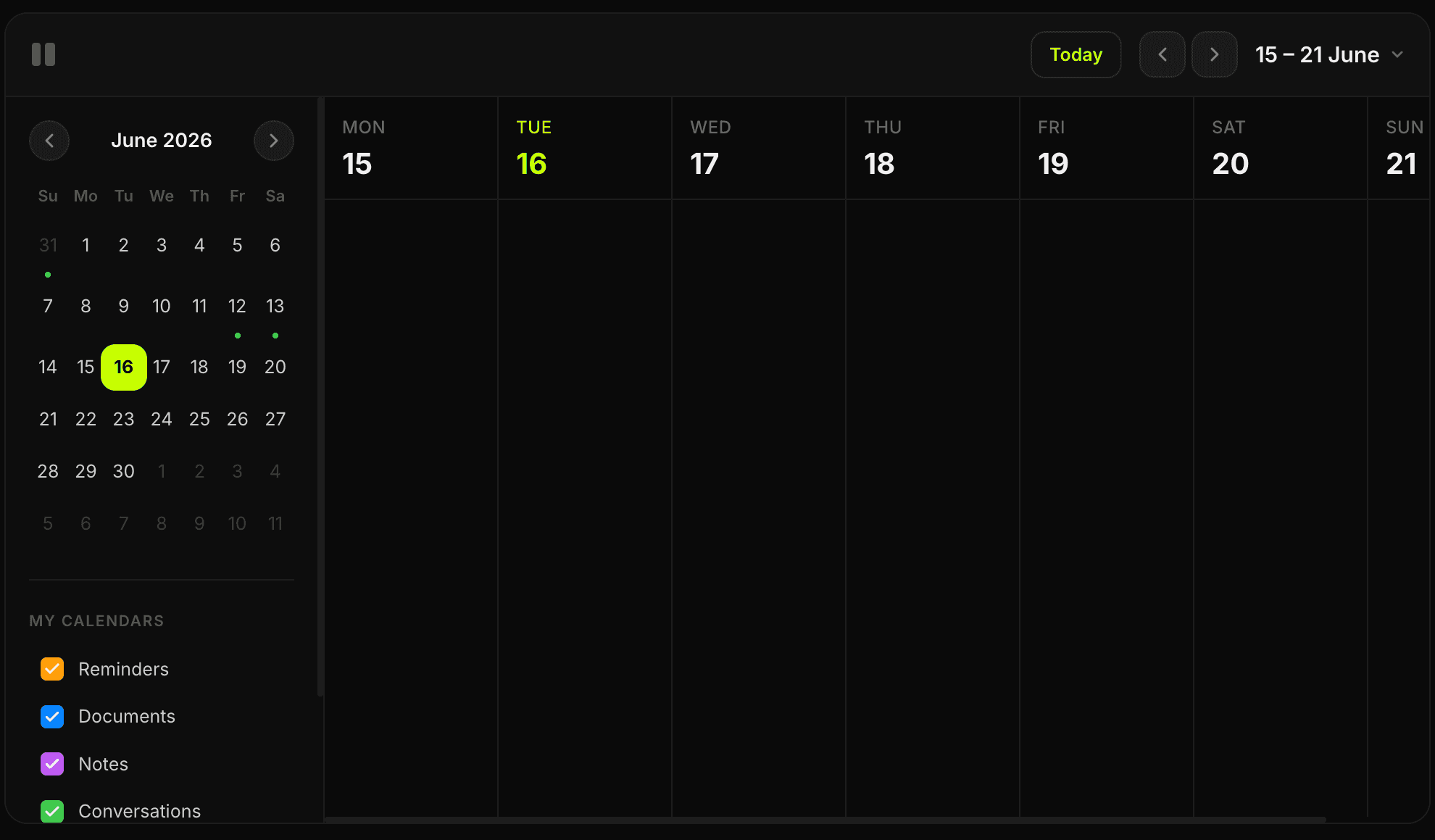
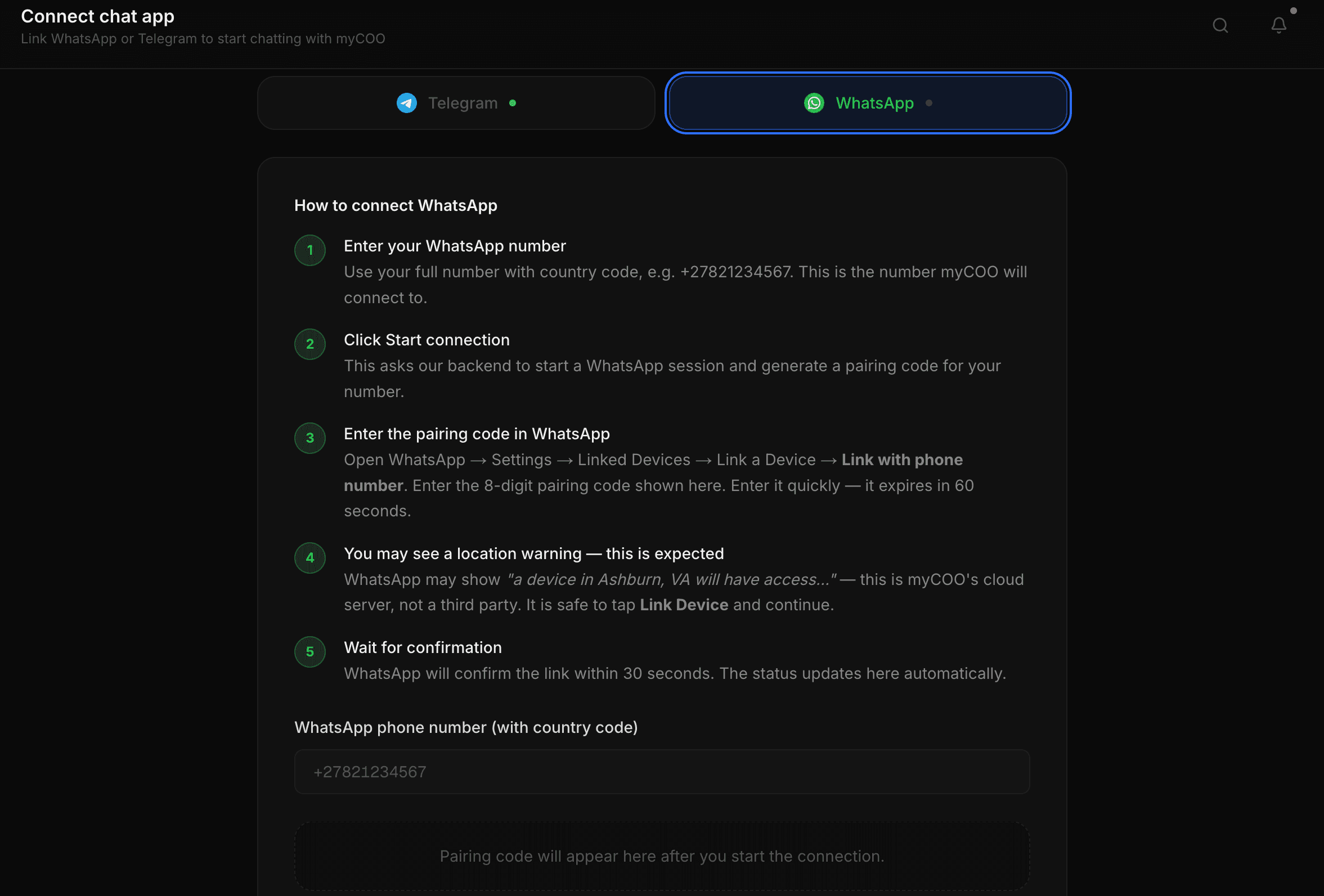
You'll get access to your MyCOO dashboard — AI Chat, Calendar, Notes, document creation, and business streaks. Connect WhatsApp or Telegram in a few steps and start chatting right inside your favourite app.
MyCOO makes business operations simple.